Replace the .env file you share with your AI coding agent
A .env file in the repo is readable by every agent session. Move the values to a vault the agent asks through MCP, approved by you, delivered encrypted.
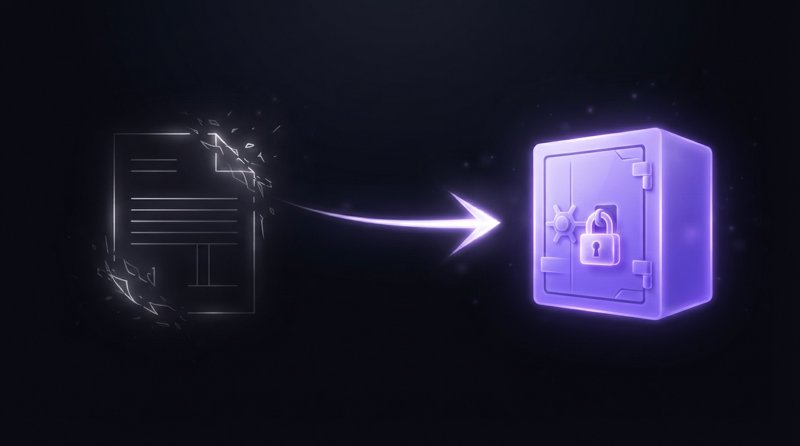
Most projects keep their configuration in a .env file at the repository root. It is gitignored, so it feels private. Then you start working with an AI coding agent in that directory, and the file is one cat away from the conversation.
Agents read files to understand a project. A .env file explains a lot about a project, so it gets read. Once it is in the context, every value in it can end up in the transcript, in a summary, in a debug log, or copied into a test fixture.
What changes when the agent has to ask
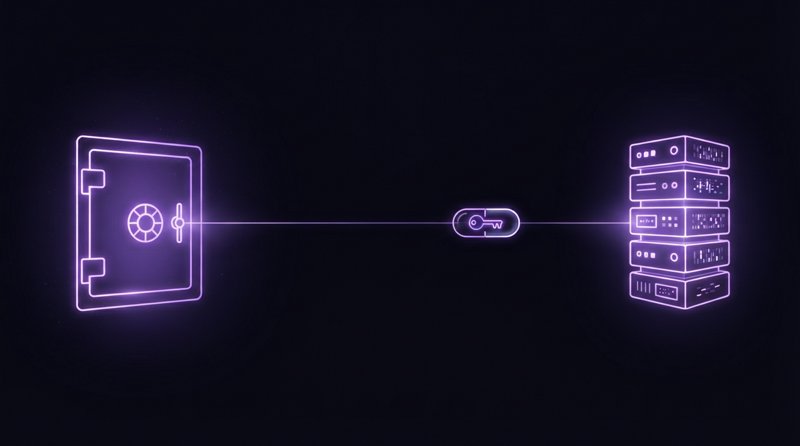
With AI hub, the values live in an end-to-end encrypted vault instead of a file in the working tree. When the agent needs them, it asks through MCP with a reason, you approve on your phone or in the web panel, and the values arrive sealed for that session’s own key. You choose how long the grant lasts, and you can revoke it.
Three things follow from that:
- There is nothing in the repository for an agent, a plugin or a stray script to read.
- Every use has a reason and an approval on record. The audit trail shows requests, approvals, deliveries and reads.
- A grant ends. The values do not sit on disk for months.
Lay out the vault like your .env
Secret names are paths. A simple layout that mirrors your environments:
dev/app/DB_URL
dev/app/REDIS_URL
dev/app/SESSION_SECRET
staging/app/DB_URL
staging/app/SESSION_SECRET
production/deploy/DEPLOY_TOKEN
Create the vaults (dev, staging, production) and the items in the web panel or the Android app. The vault key is derived on your device from your master password; the server stores ciphertext.
Splitting by environment lets you approve dev/app/* for a whole working day and keep production behind short, one-time grants.
Step by step: one folder request for a dev session
Connect the MCP server once. In Claude Code:
claude mcp add --transport http ai-hub https://ai-hub.rc.center/mcp
1. The agent makes a session key
mkdir -p -m 700 ~/.rc-center && (umask 077; age-keygen -o ~/.rc-center/session-key.txt 2>/dev/null)
age-keygen -y ~/.rc-center/session-key.txt
Only the age1 recipient is printed. The private key stays in the 0600 file and never reaches the conversation.
2. The agent asks for the folder
{
  "tool": "secret_request",
  "arguments": {
    "name": "dev/app/*",
    "reason": "Start the dev server and run the integration tests",
    "public_key": "age1examplepublicrecipientxxxxxxxxxxxxxxxxxxxxxxxxxxxxxxxxx"
  }
}
3. You approve
On the approval screen you can confirm the folder, see how many items it holds, and pick the lifetime: 15 minutes, 1 hour, 8 hours or 1 day. A folder approval covers exactly the items that exist at that moment. Items you add later are not included.
4. The agent lists and reads each item
{ "tool": "secret_ls", "arguments": { "request_id": "<request_id>" } }
returns the names, never values:
{
  "status": "granted",
  "approved": "dev/app/*",
  "names": ["dev/app/DB_URL", "dev/app/REDIS_URL", "dev/app/SESSION_SECRET"],
  "mode": "e2e"
}
Then one secret_get per name:
{ "tool": "secret_get", "arguments": { "request_id": "<request_id>", "name": "dev/app/DB_URL" } }
Each answer has its own sealed payload. The agent saves them as files named after the variable, for example ~/.rc-center/sealed/DB_URL.age.
Building a short-lived env file outside the repo
Many tools still want an env file. Build it from the sealed payloads, outside the repository, with mode 0600, without printing anything:
(umask 077; for f in ~/.rc-center/sealed/*.age; do printf '%s=%s\n' "$(basename "$f" .age)" "$(age -d -i ~/.rc-center/session-key.txt "$f")"; done > ~/.rc-center/dev.env)
Then load it for the command that needs it, in the same shell call:
set -a; . ~/.rc-center/dev.env; set +a; npm run dev
Or pass the file to a tool that accepts one, for example docker compose --env-file ~/.rc-center/dev.env up.
This assumes simple single-line values. For values with spaces, quotes or newlines, decrypt each one into its own file and point the tool at the file instead.
When the session ends:
shred -u ~/.rc-center/dev.env ~/.rc-center/session-key.txt
rm -rf ~/.rc-center/sealed
If the grant is still running and you are done, revoke it from the grants tab in the panel or the app.
What to keep in .env and what to move
Not everything in a .env file is a secret. Ports, feature flags and public URLs can stay. Move anything that grants access: database URLs with passwords, API keys, signing secrets, deploy tokens, webhook secrets.
A useful test: if it would be a problem to see the value in a chat log, it belongs in the vault.
Use cases
- A dev session where the agent starts the app and runs tests with an 8 hour grant on
dev/app/*. - A staging migration with a one-time 15 minute grant on
staging/app/DB_URL. - A shared repository where several people run agents: nobody commits or passes around a
.env, and each request goes to the vault owner.
Related guides
- Give an AI coding agent a deploy credential without pasting it in chat
- When the agent creates the API key: store it in your vault without seeing it
Free for up to 25 vault items: create your account
Related
When your AI agent creates an API key, have it propose the key to your vault
Agents create passwords and API keys during setup tasks. Instead of printing them, the agent can seal each value and propose it to your vault for you to accept.
Let an AI agent log in with 2FA without giving it your TOTP seed
An AI agent can pass a two-factor login with one-time codes you approve, while the TOTP seed stays in your vault. How it works, with the MCP calls.
How to give an AI coding agent a deploy credential without pasting it in chat
Let a coding agent request a production credential through MCP, approve it on your phone and receive it end-to-end encrypted. Step by step.